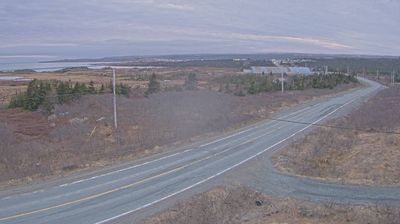
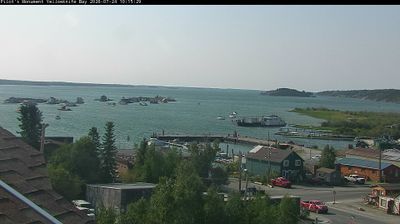
Britannia Beach › North: Highway 99 at Copper Drive in - looking north
 Britannia Beach, Kanada
Real-Time Environment
Welcome to the live streaming webcam for Britannia Beach › North: Highway 99 at Copper Drive in - looking north, perfectly situated in the vibrant region of Britannia Beach, Kanada. Watching this live camera allows you to instantly experience the local atmosphere and monitor current climate conditions.

About Britannia Beach
Britannia Beach is a small unincorporated community in the Squamish-Lillooet Regional District located approximately 55 kilometres north of Vancouver, British Columbia on the Sea-to-Sky Highway on Howe Sound. As of 2021 it had a population of about 400. It includes the nearby Britannia Creek, a small to mid-sized stream that flows into Howe Sound that was historically one of North America's most polluted waterways.
📖 Read more on Wikipedia📍 Location Facts
-
Country
 Kanada
- Region Breska Kólumbía
- City Britannia Beach
- Coordinates 49.6239°N, -123.2062°E
Have you been to Britannia Beach?
Help the community! Share your experience, tell us about the weather, or upload your own photos from this exact location.