Moskva › East
 Moskva, Rússland
Real-Time Environment
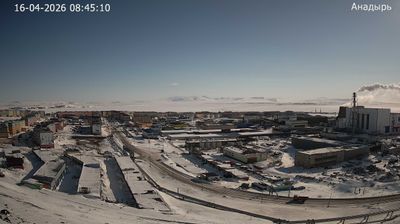
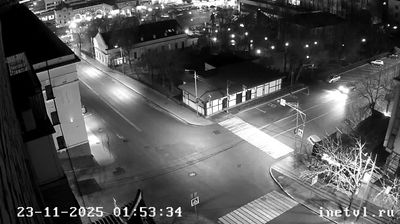
Welcome to the live streaming webcam for Moskva › East, perfectly situated in the vibrant region of Moskva, Rússland. Watching this live camera allows you to instantly experience the local atmosphere and monitor current climate conditions.

About Moskva
Moskva er höfuðborg og fjölmennasta borg Rússlands. Borgin stendur við Moskvuá sem rennur út í Okafljót sem aftur rennur í Volgu, en Moskvuskurðurinn norðan við borgina tengir ána líka beint við Volgu. Borgin er með 12,4 milljónir íbúa innan borgarmarkanna, yfir 17 milljónir íbúa á þéttbýlissvæðinu og yfir 20 milljónir íbúa á stórborgarsvæðinu. Borgin nær yfir 2.511 km2 svæði, en stórborgarsvæðið er yfir 26.000 km2 að stærð. Moskva er með stærstu borgum heims og fjölmennasta borg Evrópu. Hún er líka eitt fjölmennasta þéttbýlissvæði og stórborgarsvæði í Evrópu, auk þess að vera stærsta borg Evrópu að flatarmáli.
📖 Read more on Wikipedia📍 Location Facts
-
Country
 Rússland
- Region Moscow
- City Moskva
- Coordinates 55.7487°N, 37.7036°E
Have you been to Moskva?
Help the community! Share your experience, tell us about the weather, or upload your own photos from this exact location.